A frame is a box that keeps a fixed shape no matter how big or small it gets. Wrap an image, video, map, or placeholder in wa-frame and it stays a square by default, or a landscape, portrait, or any custom aspect ratio you specify, even as the surrounding layout resizes. That means no more letterboxing, no more collapsed boxes waiting on a slow image to load, and no more cards that end up different heights.
Pair wa-frame with one of the wa-border-radius-* classes to round the corners without cropping the content inside.
Frames are well-suited for images and image placeholders.
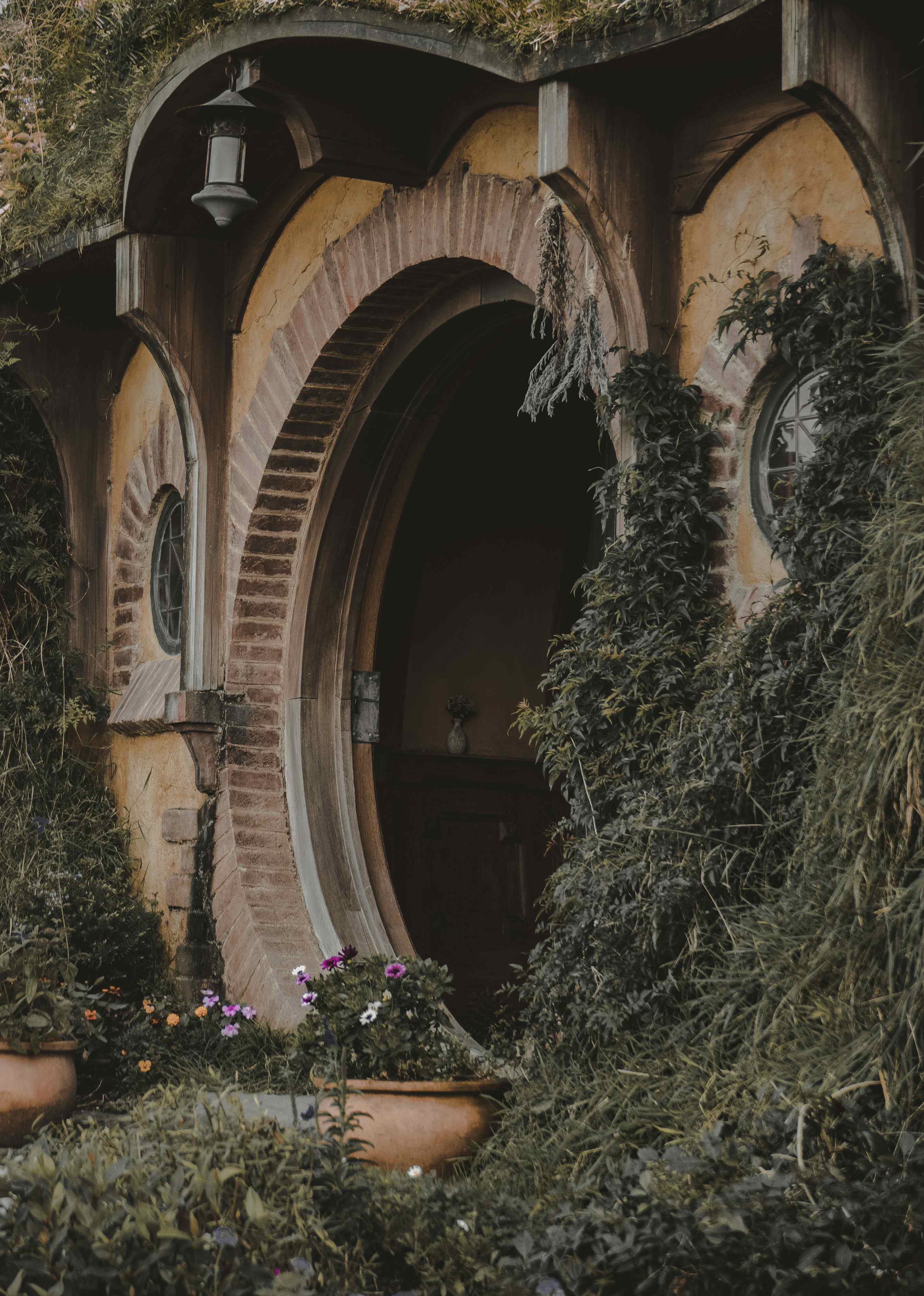
The Lord of the Rings: The Fellowship of the Ring
J.R.R. Tolkien
Options
<divclass="wa-flank"style="--flank-size: 8rem;"><divclass="wa-frame wa-border-radius-m"><imgsrc="https://images.unsplash.com/photo-1523593288094-3ccfb6b2c192?q=20"alt=""/></div><divclass="wa-flank:end"style="--content-percentage: 70%"><divclass="wa-stack wa-gap-xs"><h3>The Lord of the Rings: The Fellowship of the Ring</h3><span>J.R.R. Tolkien</span></div><wa-buttonid="options-menu"appearance="plain"><wa-iconname="ellipsis"label="Options"></wa-icon></wa-button><wa-tooltipfor="options-menu">Options</wa-tooltip></div></div>
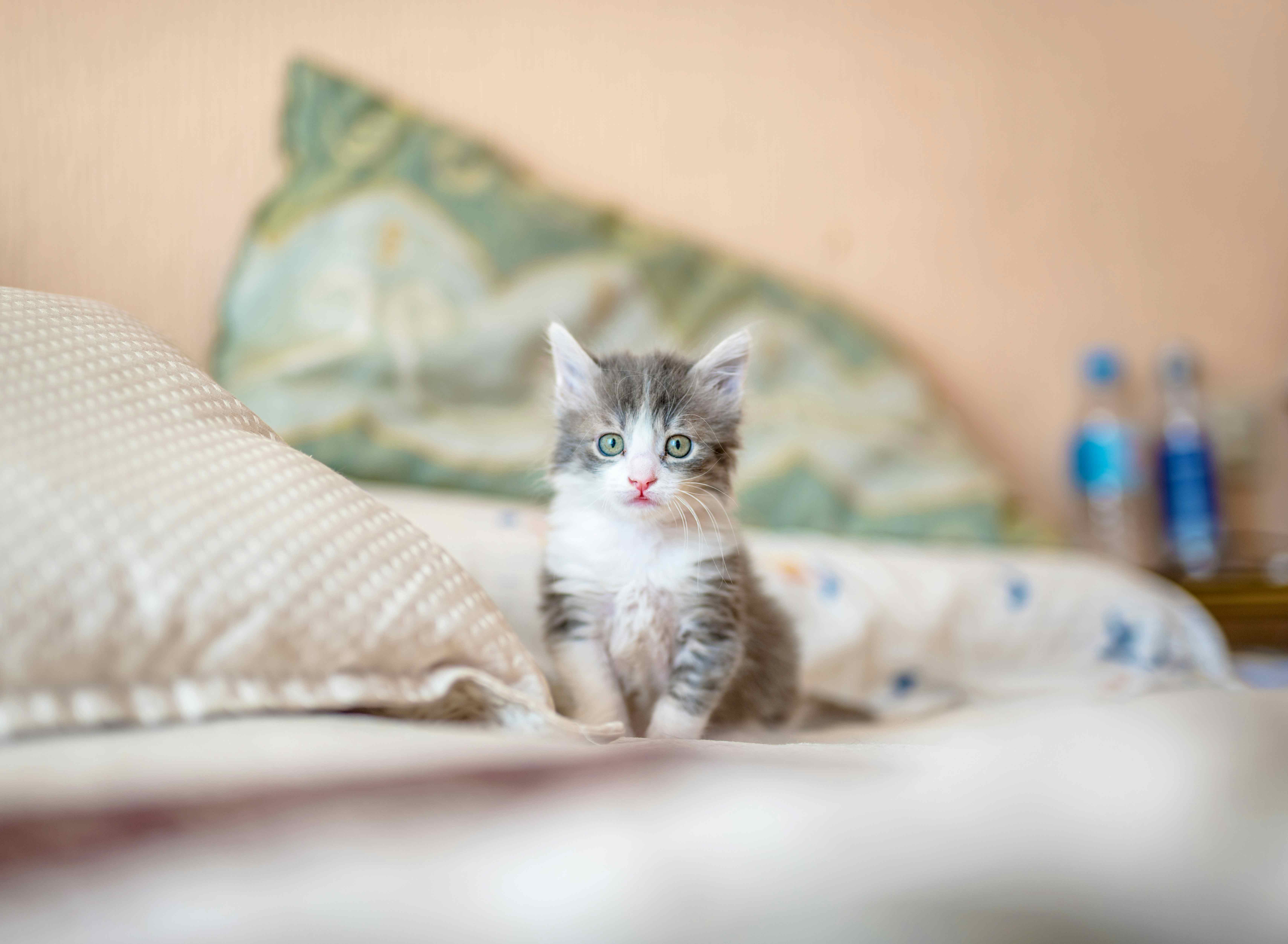
White-socks
Kitten • Male
Adopt this petFavorite
Photo coming soon
Bumpkin
Adult • Male
Adopt this petFavorite
Swish-tail
Kitten • Female
Adopt this petFavorite
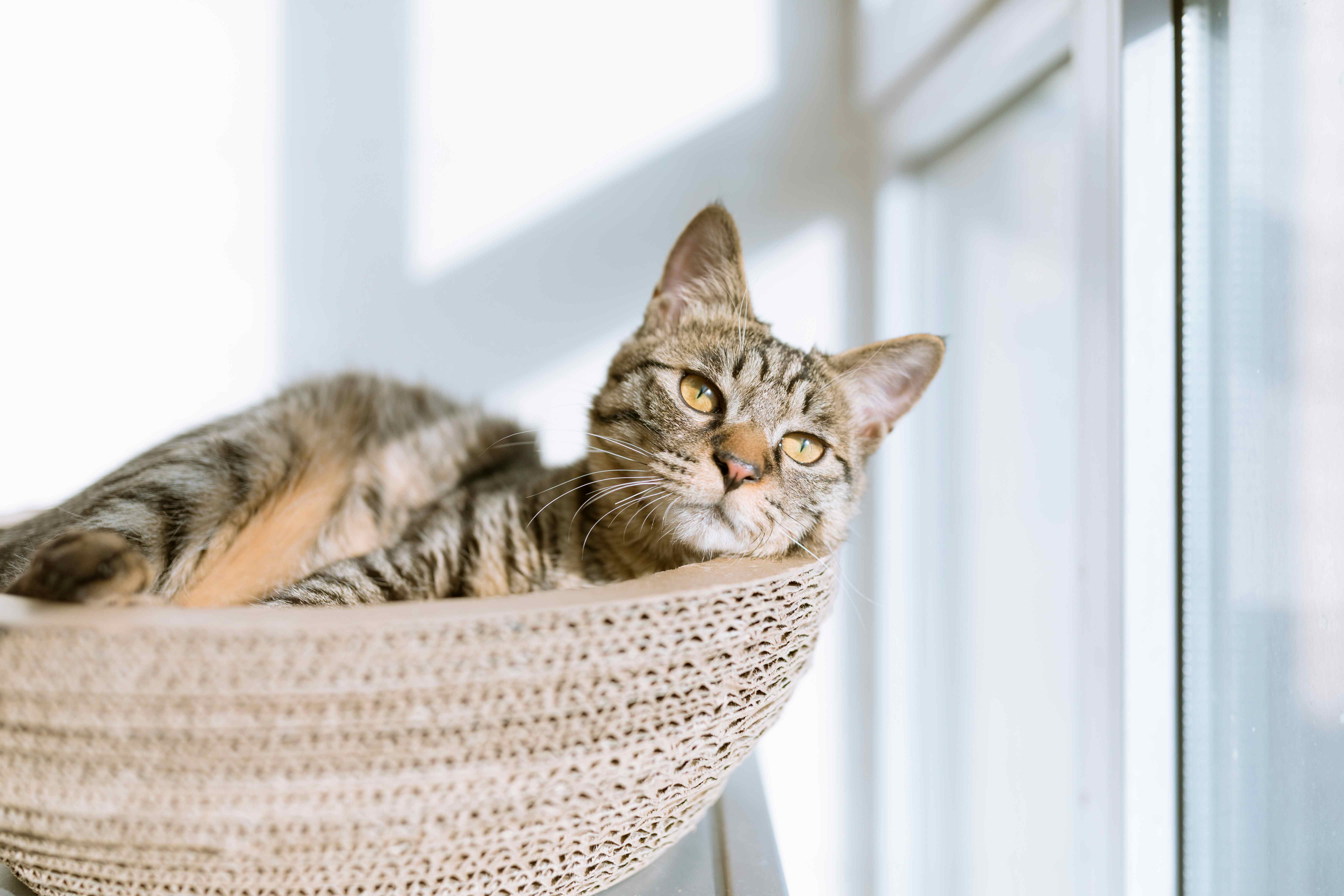
Sharp-ears
Adult • Female
Adopt this petFavorite
<divclass="wa-grid"style="--min-column-size: 25ch;"><wa-card><divclass="wa-frame:landscape"slot="media"><imgsrc="https://images.unsplash.com/photo-1533743983669-94fa5c4338ec?q=20"alt="Grey and white tabby kitten"/></div><divclass="wa-stack wa-gap-xs"><h3class="wa-heading-m">White-socks</h3><spanclass="wa-body-s">Kitten • Male</span><divclass="wa-flank:end wa-gap-xs"><wa-buttonsize="s"appearance="filled"variant="brand">Adopt this pet</wa-button><wa-buttonid="fav-whitesocks"appearance="plain"size="s"><wa-iconname="heart"variant="regular"label="Favorite"></wa-icon></wa-button><wa-tooltipfor="fav-whitesocks">Favorite</wa-tooltip></div></div></wa-card><wa-card><divclass="wa-frame:landscape"slot="header"><divclass="wa-stack wa-align-items-center wa-gap-xs wa-caption-s"><wa-iconname="paw"></wa-icon><span>Photo coming soon</span></div></div><divclass="wa-stack wa-gap-xs"><h3class="wa-heading-m">Bumpkin</h3><spanclass="wa-body-s">Adult • Male</span><divclass="wa-flank:end wa-gap-xs"><wa-buttonsize="s"appearance="filled"variant="brand">Adopt this pet</wa-button><wa-buttonid="fav-bumpkin"appearance="plain"size="s"><wa-iconname="heart"variant="regular"label="Favorite"></wa-icon></wa-button><wa-tooltipfor="fav-bumpkin">Favorite</wa-tooltip></div></div></wa-card><wa-card><divclass="wa-frame:landscape"slot="media"><imgsrc="https://images.unsplash.com/photo-1445499348736-29b6cdfc03b9?q=20"alt="Diluted calico kitten"/></div><divclass="wa-stack wa-gap-xs"><h3class="wa-heading-m">Swish-tail</h3><spanclass="wa-body-s">Kitten • Female</span><divclass="wa-flank:end wa-gap-xs"><wa-buttonsize="s"appearance="filled"variant="brand">Adopt this pet</wa-button><wa-buttonid="fav-swishtail"appearance="plain"size="s"><wa-iconname="heart"variant="regular"label="Favorite"></wa-icon></wa-button><wa-tooltipfor="fav-swishtail">Favorite</wa-tooltip></div></div></wa-card><wa-card><divclass="wa-frame:landscape"slot="media"><imgsrc="https://images.unsplash.com/photo-1517451330947-7809dead78d5?q=20"alt="Short-haired tabby cat"/></div><divclass="wa-stack wa-gap-xs"><h3class="wa-heading-m">Sharp-ears</h3><spanclass="wa-body-s">Adult • Female</span><divclass="wa-flank:end wa-gap-xs"><wa-buttonsize="s"appearance="filled"variant="brand">Adopt this pet</wa-button><wa-buttonid="fav-sharpears"appearance="plain"size="s"><wa-iconname="heart"variant="regular"label="Favorite"></wa-icon></wa-button><wa-tooltipfor="fav-sharpears">Favorite</wa-tooltip></div></div></wa-card></div>
Aspect Ratio
Link to This Section
Frames have a square aspect ratio by default. You can append :square (1 / 1), :landscape (16 / 9), or :portrait (9 / 16) to the wa-frame class in your markup to specify an aspect ratio for the frame. Alternatively, you can define the aspect-ratio property to set a custom proportion.
Frames have a square border radius by default. Add any wa-border-radius-* class to round the corners, or define the border-radius property to set custom rounding.